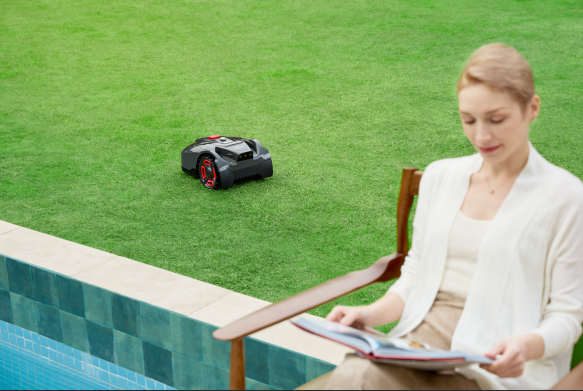
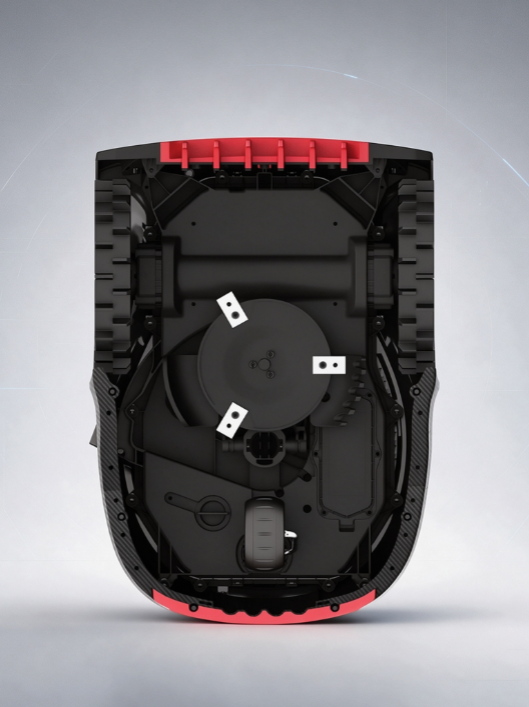
You're mowing the lawn on autopilot when storm clouds roll in. Your robot mower stops mid-stripe and heads for the dock without a manual override or warning beep. A moisture detection sensor triggers that quiet retreat. Understanding how that sensor works tells you whether the machine is protecting itself or malfunctioning. We'll cover the physics of water detection, why your neighbor's mower resumes cutting five minutes after rain while yours waits an hour, and what those behaviors mean for your lawn care routine.
The Core Technology: How Rain Sensors Detect Water
Most robot mowers detect rain using simple conductivity, not fancy optics or radar. Two metal contact points sit exposed on the mower's top panel. When the surface is dry, air separates those electrodes and resistance stays high. Nothing flows. Once water lands on the panel, a thin film bridges the contacts and the circuit's resistance drops fast.
That drop triggers everything. A comparator chip - often an LM393 - reads the resistance change and turns it into a digital signal: HIGH or LOW, wet or dry. Some rain sensor modules output a numeric scale from 0 (dry) to 100 (water detected), giving manufacturers a threshold to set.
Conductivity-Based vs. Humidity-Based Detection
Not every sensor works the same way, though the physics overlaps.
The difference shows up in rain delay behavior. Conductivity-based units react almost instantly once water bridges the contacts. Humidity-based units may lag slightly behind actual rainfall but stay cautious longer, since ambient dampness keeps the reading elevated.
The goal is the same either way: give the controller a clean signal that says "wet enough to stop" before water hits the electronics.
What Happens the Moment Rain Is Detected: Step-by-Step Behavior
When the rain sensor gets wet, it starts a fixed chain reaction. Manufacturers build in a verification window of about 1 minute so a stray splash or brief condensation won't cancel your whole mowing session. Once the sensor stays wet past that window, here's what happens:
Detection confirmed. The sensor signal stays wet past the verification delay.
Blades stop. The cutting motor cuts power almost instantly.
Boundary search begins. The mower orients itself toward the boundary wire or nearest guide path.
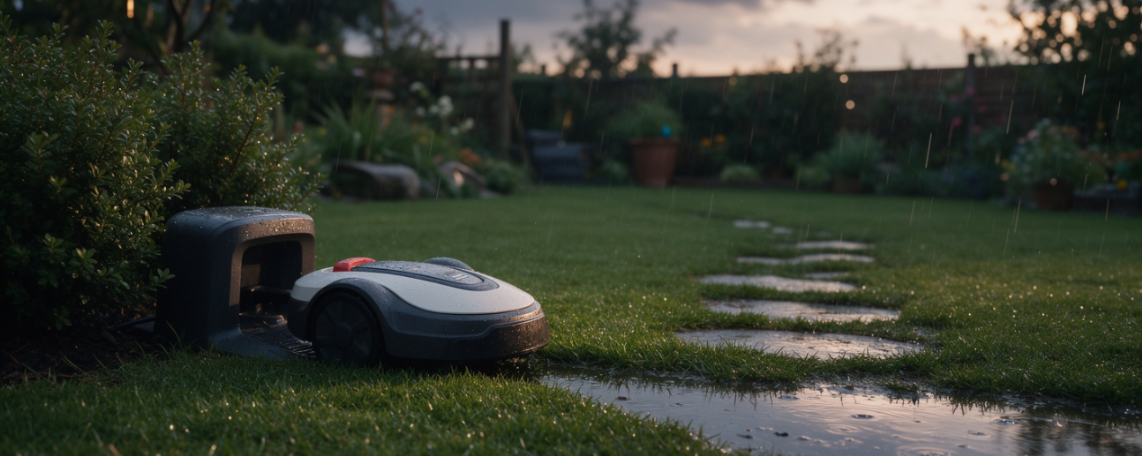
Return to base. It navigates back to the charging station using that wire.
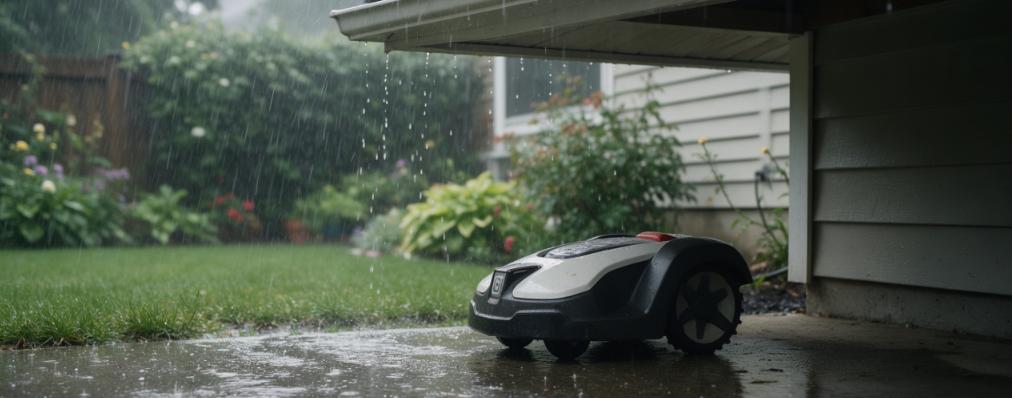
Docked wait period. The mower parks and stays there for a fixed rain delay or until the sensor dries out.
Automatic resumption. Once conditions clear, mowing resumes on the next scheduled cycle.
Resume Timing After Rain: Why It Varies by Brand
A dry sensor doesn’t always mean an instant restart. Most robot mowers add a second gate, a post-dry countdown that only starts once the sensor is confirmed dry. This two-stage logic — rain detected, then sensor dry-out, then delay countdown, then resume mowing — explains why identical rainfall can produce wildly different resume times across brands.
Dry-Out Logic vs. Timer-Only Logic
Brand manuals are specific about this. Kärcher states the RLM 4 “remains there until the rain sensor has dried,” then waits the user-set delay before cutting again. Worx Landroid follows similar wording: “when the rain sensors dry, [it] will begin the Delay Time countdown.” Neither brand starts the clock the moment rain stops outside. The sensor has to dry first.
Why the Wait Exists
The lawn may still be wet after rain stops, so the mower waits “for a better mowing result.” Cutting wet grass clumps the blades, tears turf, and leaves uneven stripes. The delay lets the lawn drain before the mower rolls back out.
If your scheduled mow doesn’t start right after rain ends, check whether the sensor area itself is still damp. Wiping it dry and power-cycling the unit can sometimes exit the delay state early, a useful first troubleshooting step before assuming a malfunction.
Why This Feature Exists: The Real Protection Purpose
Rain sensors serve three protection goals, only one of which involves waterproofing.
Protecting Electronics From Water Damage
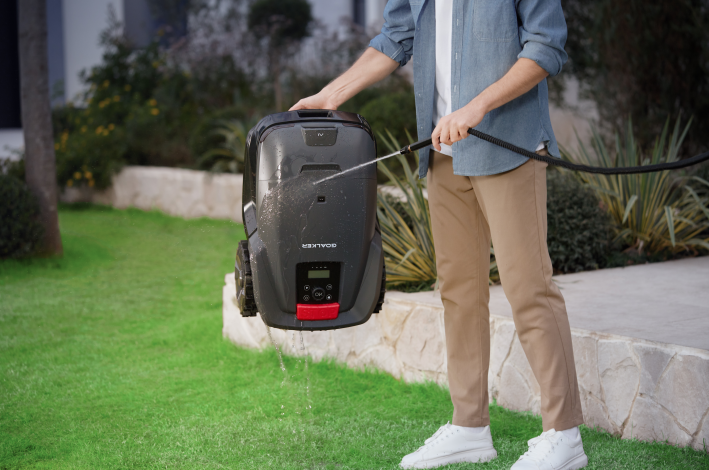
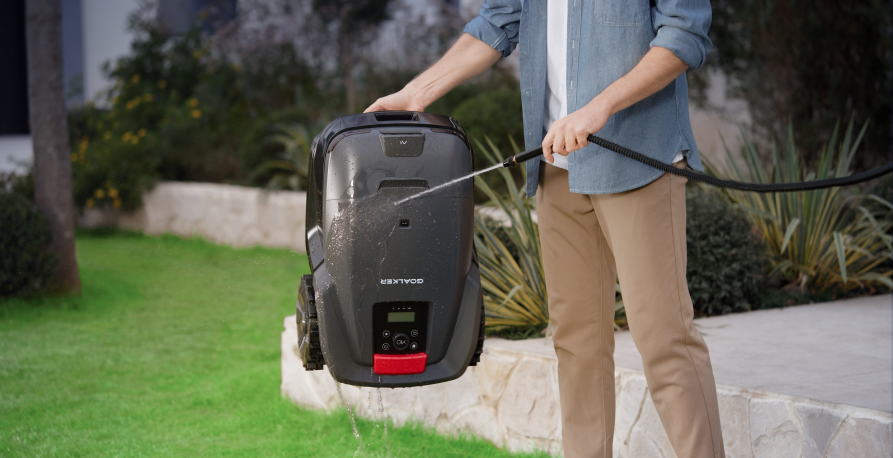
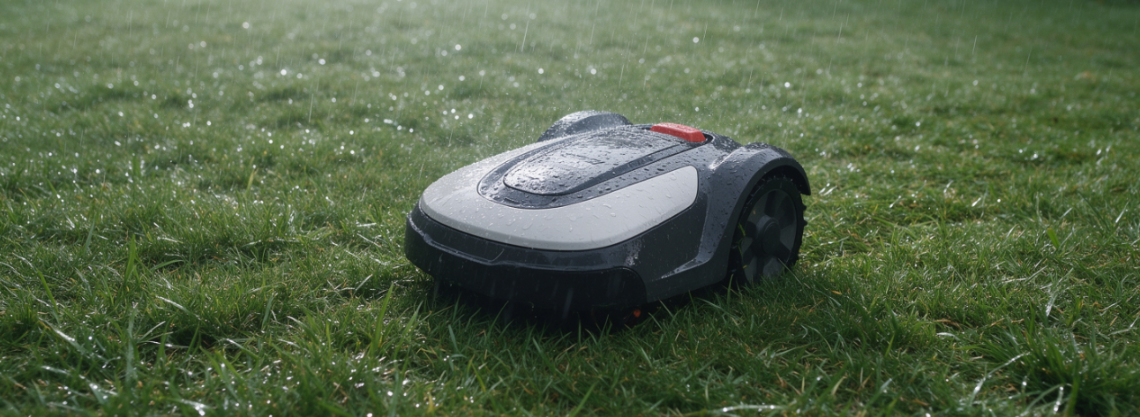
The circuit boards and motors inside a robot mower still need shielding from moisture, but that job belongs to the machine's IP rating, not the rain sensor itself. IPX4 handles light splashing. IPX5 withstands a low-pressure garden hose. IPX6 stands up to heavier water exposure. Some product pages advertise "IPX5 waterproof rating" and explicitly allow hose-washing the chassis. The rain sensor and the IP rating work as separate systems. The sensor detects weather and triggers a pause, while the IP rating determines how much water the sealed housing can tolerate.
Preventing Rutting and Lawn Damage
Repeated passes over saturated ground compress soil and tear turf, leaving visible tracks called rutting. Auto-return logic exists partly to stop that damage before it starts. Manufacturers describe this in product copy, noting the feature is "protecting both the device and your lawn from damage."
Preserving Cutting Quality
Wet grass clumps against the blades, increases cutting resistance, and leaves uneven stripes behind. Rather than push through those conditions, most mowers pause and wait, treating rain sensor activity as a mowing-schedule rain delay rather than a waterproofing guarantee.
Sensitivity settings reinforce this distinction. Higher sensitivity means longer dock time after rain, so some models hold at the base for 4, 8, or 12 hours depending on the setting chosen.
Sensitivity Settings and Common False Triggers
Diagnosing False Triggers
Three things cause most unexpected stops:
Overnight dew. Clear skies but a wet sensor plate points to dew. Wipe the terminals dry and normal operation returns immediately.
Light drizzle or sprinkler overspray. High-sensitivity settings pick up droplets from irrigation systems just as readily as actual rain.
Troubleshooting: When Your Mower Keeps Stopping Unexpectedly
A mower that returns to the dock with no rain in sight usually points to sensor contamination. Grass clippings, dust, and mud residue can leave the contacts in a semi-conductive state, tricking the circuit into thinking water is present even under clear skies.
The Self-Check Routine
Run through this sequence before assuming a hardware fault.
Inspect the sensor plate for water residue, dew, or sprinkler overspray. Some units trigger only while moisture sits on the surface, so quick-drying droplets can cause inconsistent readings.
Wipe the contacts with a dry cloth. If corrosion or stubborn grime has built up, light sanding on the metal points often restores accurate contact.
Confirm app settings. Check that rain protection hasn't been disabled and that the delay timer isn't set longer than necessary.
Check for wet grass or mud pooling around the chassis. Damp cuttings raise motor load, cause slipping, and clog the deck — separate from the rain sensor itself, but often mistaken for it.
Testing the Sensor Directly
While the mower runs, lightly mist the sensor or briefly cover it with a damp cloth. It should head for the dock almost immediately. No reaction suggests a wiring issue or failing sensor module.
Cleaning Frequency That Prevents Repeat Issues
Wipe the sensor area after every wet-grass or post-rain session.
During heavy use or rainy seasons, inspect weekly at minimum — daily if mowing regularly in damp conditions.
After cleaning, run a quick water test to confirm the sensor triggers and releases normally.
If cleaning doesn't resolve repeated false stops, loose cabling or sensor oxidation may be the real issue. For unavoidable damp mowing, raising the cutting height one notch reduces clumping and stalling risk.
Choosing the Right Robot Mower for Rainy Climates
Buying for a wet climate comes down to three numbers: sensitivity adjustability, restart delay, and IP rating. Get those right and you avoid the two most common complaints - constant false stops or a mower that resumes cutting while the lawn is still soaked.
Match IP Rating to Your Rainfall Frequency
Not every waterproof rating handles the same conditions.
IPX4 covers light drizzle, dew, and damp grass. It won't hold up to sustained rainfall.
IPX5 withstands low-pressure water flow and works as a reliable baseline for "rain-capable" mowers. Several models, including the FJD Vela, list IPX5 as the chassis standard, with the charging station rated IP65 separately.
IPX6 suits muddy yards and frequent storms where the mower faces repeated water exposure and needs stronger resistance to washdown-level moisture.
If light rain is occasional where you live, IPX5 is enough. If your region sees regular downpours or your lawn stays soggy for days, push for IPX6 or IP66 on both the mower body and dock.
Look for App-Adjustable Rain Delay
A fixed rain delay you can't change is a limitation, not a feature.That flexibility matters - a mower stuck at a rigid 3-hour wait in a fast-drying climate wastes mowing windows, while one that resumes too fast in a humid region risks clumped, damaged turf.
Quick Buying Summary
Occasional light rain: IPX5 + rain sensor + adjustable delay covers most needs.
Frequent rain or damp lawns: prioritize IPX6/IP66, adjustable sensitivity, and a longer restart delay.
If comparing on one metric: check IP rating first, then confirm app-based rain sensor and delay adjustment.