You're mowing on a sunny afternoon, and suddenly your robot mower stops mid-lawn, retreating to its charging station like it sensed something you didn't. A few minutes later, clouds roll in and rain starts falling. Your mower's rain sensor technology did exactly what it was designed to do.
A small sensor detects rain before the first drop even hits the grass. That sensor is what makes your mower smart enough to run away from a downpour—it doesn't mean your mower can survive one.
This guide explains what's happening inside your mower when the rain sensor triggers, and what it means for your lawn care routine—whether you own a moisture sensor lawn mower and wonder if it can handle wet weather, or you're troubleshooting a sensor that seems to trigger at the wrong times.
The Core Mechanism: How Conductive Rain Sensors Actually Work
Two tiny metal contacts sit exposed on top of your mower's chassis. That’s how most precipitation detection sensors work on robotic mowers today.
Dry air doesn’t conduct electricity well, so the gap between those contacts stays an open circuit. Add water, and everything changes. Water bridges the gap, lowers resistance, and lets current flow. The mower’s controller reads this shift instantly and triggers a response, usually “return to home” or “pause mowing.”
The Hardware Behind It
Most conductive rain sensors use an exposed PCB with interleaved copper traces or two adjacent electrodes. The sensing pad outputs two signal types:
Analog output (A0/AO): measures varying degrees of wetness
Digital output (D0/DO): triggers based on a preset threshold
Most modules run on 3.3V–5V, which makes them cheap to integrate and power-efficient. That’s why manufacturers use this humidity sensor technology in OEM garden equipment.
Why “Pure” Rain Sometimes Gets Missed
Conductive sensors need water to conduct electricity. Distilled or very clean rainwater sometimes doesn’t have enough dissolved minerals to trigger a reliable signal. Manufacturers address this by using slanted sensor surfaces or runoff paths, which help water collect dust or minerals as it flows, boosting conductivity right where it matters.
No Weather Forecasts Involved
Your mower isn’t checking a weather app. The automatic mower rain delay logic is purely local and physical. Water bridges the contacts, the circuit closes, and the mower reacts in seconds. There’s no meteorological prediction or cloud data. It’s immediate wetness detection at the machine itself.
From Detection to Action: The Rain Response Sequence
Detecting moisture is only step one. After that, the mower follows a predictable chain designed to keep your scheduling system running without your help.
The Standard Sequence
Once the sensor confirms wetness, the mower runs through four steps:
Stop cutting — blades halt immediately
Navigate back — the mower follows its boundary wire or mapped route to the charging station
Dock and wait — it stays parked until the sensor reads completely dry
Resume after delay — mowing restarts once the rain delay timer finishes
Why 180 Minutes Is the Industry Standard
Most manufacturers set the default rain delay at 180 minutes (3 hours). This is not arbitrary. The countdown only begins after the sensor registers full dryness—not when rain stops. A light drizzle that leaves a wet film will not restart the clock early. This logic prevents the mower from cutting grass that is still damp underneath, even when the top layer looks dry.
What Happens to Scheduled Tasks
If a scheduled mow time arrives while the sensor still detects moisture, the mower will not start. It stays docked and waits. Only after the sensor dries out and the full delay period completes does it pick up the original task. This reduces wet-grass cutting, wheel slipping, blade clogging, and premature restarts—problems that damage both lawn and machine.
Customizable Delay Settings
Higher-end models let you adjust this rain delay through an app or control panel. Some let you shorten it, or disable it entirely (0 minutes), though 180 minutes remains the practical default for most weatherproof robotic mowers.
Sensitivity & Delay Settings: Customizing Your Mower's Rain Behavior
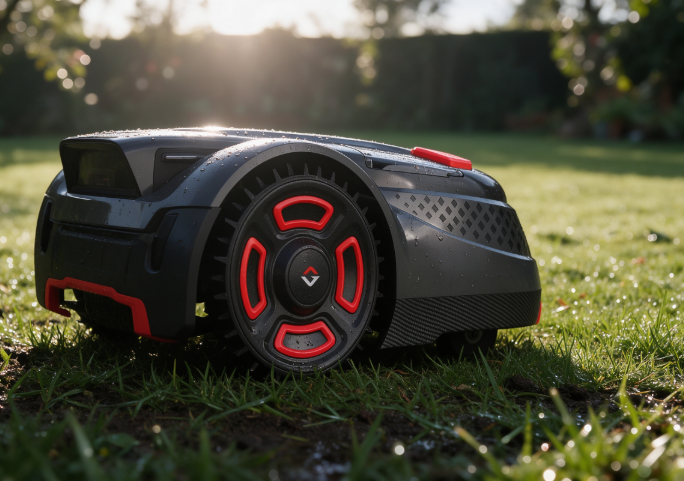
Not every mower reacts to rain the same way out of the box. Sensitivity is a threshold you're setting: how much moisture it takes before the mower decides "this is rain" and heads home.
Too Sensitive, Too Often
Crank the sensitivity too high, and you'll get false alarms. Robomow's documentation notes that "rainy or highly humid conditions" can trigger the sensor. Worx says the same about "very humid conditions"—morning dew or wet leaves can look like rainfall to an oversensitive sensor. Your mower's schedule keeps getting interrupted on perfectly dry days.
Too Low, and Rain Slips Through
Dial sensitivity down too far, and the opposite problem shows up. The mower keeps cutting through actual rain because the threshold never triggers. Robomow's guidance confirms this trade-off directly: higher sensitivity catches rain more reliably, lower sensitivity increases the risk of missed detection.
Rain Sensor Calibration: The Right Way
Robomow recommends adjusting sensitivity one level at a time, not in big jumps. Watch how it responds before nudging it again.
Delay Settings by Region
Region Type | Recommended Delay | Sensitivity |
|---|---|---|
Rainy/coastal/humid | 180+ minutes | Medium-high, adjust up gradually |
Moderate climate | 30–120 minutes | Medium (default) |
Dry, well-drained lawns | 0–30 minutes | Keep some sensitivity to avoid missed rain |
Rain Sensor vs IP Rating: Why They're Not the Same Protection
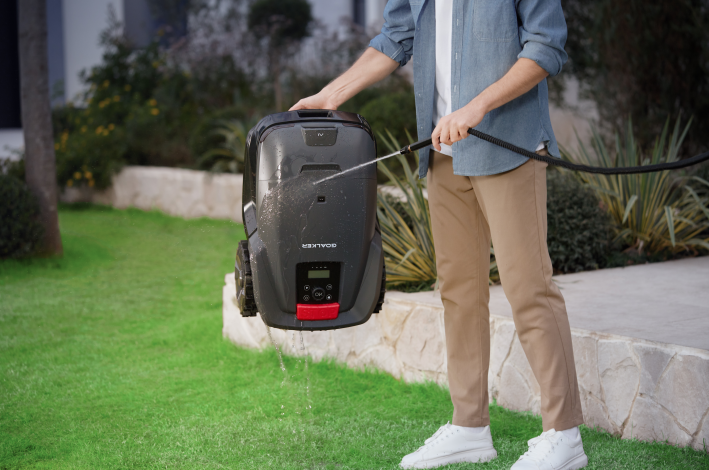
Buyers often assume a rain sensor makes the mower waterproof. It doesn't. These are two separate systems solving two different problems.
The rain sensor is a control function. It decides when to stop mowing and head to the dock. The IP rating manufacturers advertise is a structural spec that measures how much water the housing can withstand without damage. One triggers behavior. The other protects hardware. Most weatherproof robotic mower designs combine both, because rain detection alone doesn't shield internal electronics from splashes, spray, or hose runoff.
The Buying Rule of Thumb
Ask yourself what you're shopping for:
Want automatic dock-return during rain? Check the rain sensor calibration and sensitivity settings.
Want a machine that survives long-term outdoor exposure? Check the IP rating.
For consistently wet regions, IPX5 offers more margin than IPX4. For occasional showers, IPX4 covers standard needs. Rain sensors decide when to stop. IP ratings decide how much water the machine can take.
Does Your Robot Mower Need to Work in the Rain?
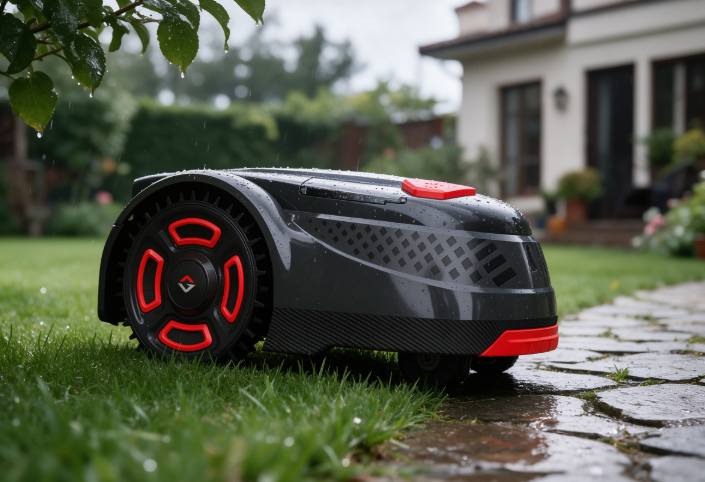
Manufacturers didn't build rain-return behavior as an afterthought. It's the default strategy for a reason. Wet grass clumps together instead of shredding, leaving matted clippings across your lawn. Wet soil under wheels loses grip fast, and a mower fighting for traction can compress or tear up turf on muddy or waterlogged ground.
There's a mechanical reason too. Damp clippings stick to the underside of the cutting deck and build up into a grass-mud layer. That extra resistance forces the motor to work harder, drains battery faster, and can trigger unexpected shutdowns mid-cycle.
Most manuals draw a clear line: light rain or damp grass is tolerated, but heavy rain, thunderstorms, standing water, and mud are conditions to avoid. Some models even warn that wet grass adds enough load to prevent a clean return to the charging dock.
A robot mower can handle brief, light rain, but it shouldn't. For anyone in a wet climate, the honest expectation is smart pausing, safe docking, and a quick return once the lawn dries out.
Buying Guide: What to Check Before Choosing a Rain-Ready Robot Mower
Product spec sheets rarely spell out how a mower actually behaves during a storm. If you live somewhere rain shows up more than a few times a month, this is the checklist you need.
Priority 1: Built-In Rain Sensor
Look for models that list "rain sensor," "built-in rain sensor," or "rain and lift sensors" in their specs. This is non-negotiable for a weatherproof robotic mower. Without it, you're relying on manual scheduling to keep the mower off wet grass.
Priority 2: Adjustable Sensitivity and Delay
Make sure the app lets you adjust the rain sensor sensitivity and the delay time. Switching between "keep mowing through light drizzle" and "pause during heavy rain" gives you real control instead of a fixed 180-minute default.
Priority 3: IP Rating, Starting at IPX4
IPX4 is the baseline. It means splash protection from any direction, good for light rain or morning dew. If you get sustained rain where you live, push for IPX5 or higher. Some premium wetland-focused models advertise IPX6 or IPX7 protection.
Priority 4: Wet-Grass Traction
Grip matters more than top speed. Look at tire tread, 4WD or all-wheel drive options, and slope-handling specs. On soaked lawns, poor traction causes more missed mowing sessions than water exposure ever will.
Six Questions to Ask Before You Buy
Does it have a built-in rain sensor?
Can sensitivity and delay be adjusted through an app?
Is overall protection IPX4 minimum—and is a higher-rated version available?
What's the dock's and adapter's separate IP rating?
Does it auto-return and wait for dry grass? How long by default?
What traction features exist for wet, sloped, or muddy terrain?
Troubleshooting: Common Rain Sensor Problems and Fixes
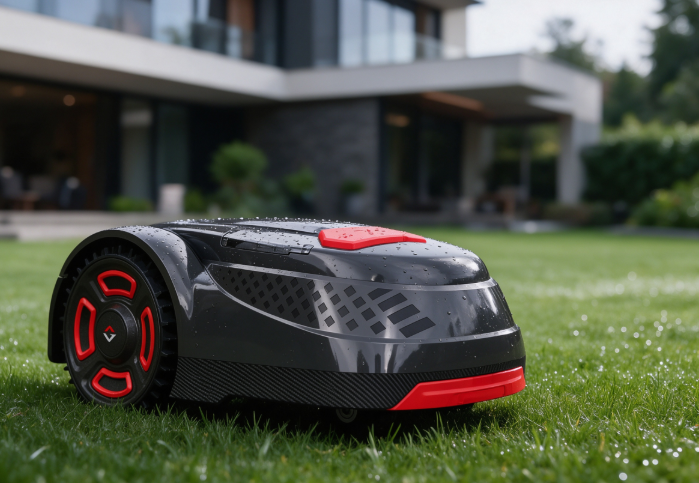
Most sensor glitches come from dirt or debris on the contacts, not a broken circuit board.
False Triggers on Dry Days
Dust, dirt, or grass clippings on the top sensor pads can keep the contacts conductive even without rain. One common support note says moisture or debris on the terminals can trigger rain protection outdoors even under clear skies. Wipe the sensor area with a dry cloth first. If contacts still misread, gentle sandpaper rubbing removes oxidation buildup that plain wiping can't clear.
Quick Functional Test
Spray a small amount of water on a dry sensor while the mower runs. A working sensor should trigger rain mode and send the mower back to the dock immediately. If it doesn't react, try saltwater instead. Pure rainwater sometimes lacks the minerals needed to bridge the contacts reliably.
Stuck in Rain Mode?
If the mower stays parked long after the lawn dries, check your rain delay setting. Some models default to a 3-hour disable window after rain stops. Toggle rain protection off, then on, in the app to force the setting to take effect.
When to Call Service
If you've cleaned, dried, tested, and restarted the sensor and it's still unresponsive, that points to a hardware issue needing professional repair. For background on how manufacturers engineer weatherproofing into robotic mowers, see SmartMowBot's manufacturing background.